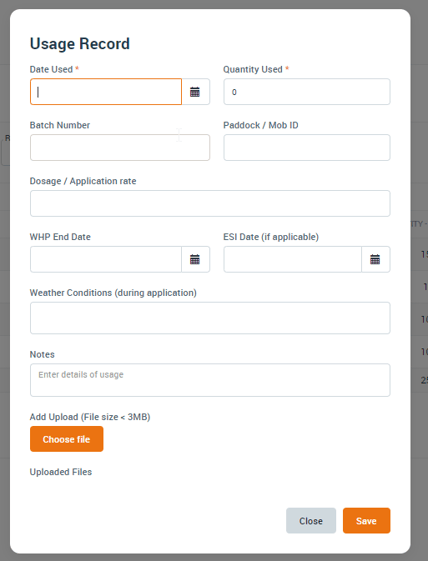
Note: Your Access Level may restrict the use of some features.
For App use, see Adding Chemical Usage/Purchase (App).
- From the left menu, select Inventory > Chemicals.
- Open the chemical then select Usage/Purchase.
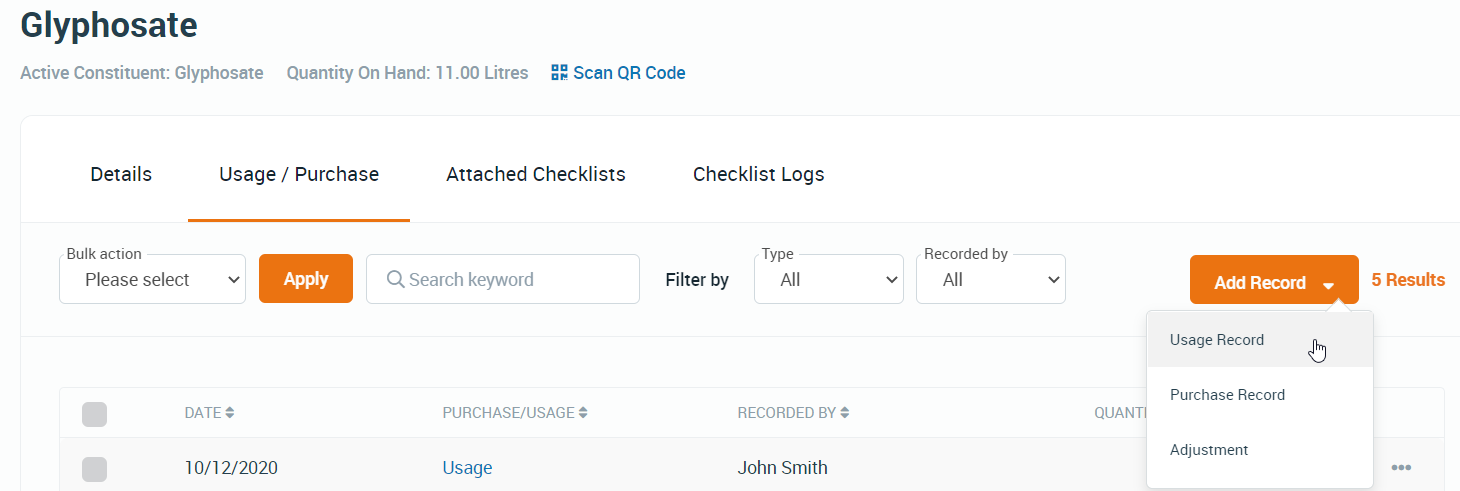
- Click Add Record and select Purchase Record or Usage Record.
- Complete the fields, then click Save.