Note: Your Access Level may restrict the use of some features.
To access a SDS on the Desktop, see Accessing Chemical SDS.
Safety Data Sheets aren't available in areas of no connection.
A Chemical SDS can be accessed in two ways:
Accessing the SDS from the Chemical
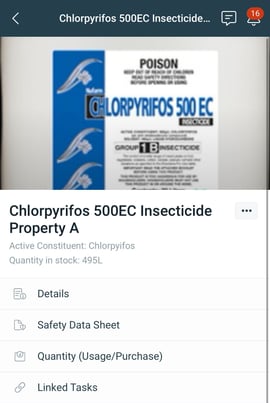
- Open the Chemical:
- Tap the main menu
 Chemical and tap on the item, or
 - Tap QR Code
 and scan the Chemicals 's QR code.
- Tap the main menu
- Tap Safety Data Sheet.
- The SDS will open in your default browser.
Accessing the SDS from Emergency Management
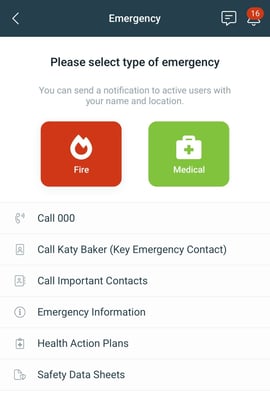
- From the Quick Access menu, tap Emergency
 .
. - Select Safety Data Sheets > tap the Chemical needed.
- The SDS will open in your default browser.