Note: Your Access Level may restrict the use of some features.
To edit Maintenance on the Desktop, see Editing Maintenance.
- Access the Inventory item:
- From the main menu
 , select Inventory > Machinery & Equipment / Structures / Tools / Chemicals then tap on the Inventory item, or
 - Scan the Inventory item's QR Code.
- From the main menu
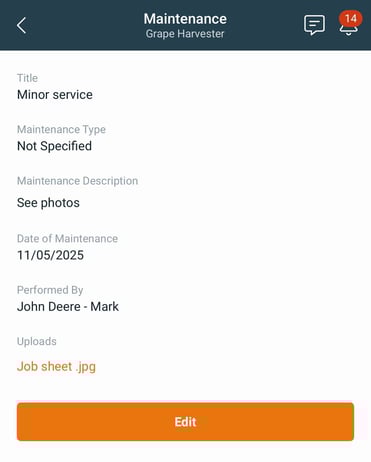
- Select Maintenance from the Inventory item and select the record to be changed.
- Tap Edit and make the required updates.
- Press Save.