Note: Your Access Level may restrict the use of some features.
To view Policy Logs on the App, see Viewing Policy Logs (App).
View Policy Logs from:
- Manage People,
- Documents, or
- Reporting.
Policies accepted during an Induction will be shown in Policy Logs.
Manage People
- From the left menu, select People > Manage People.
- Find the user's tile and click more options
 , then select View.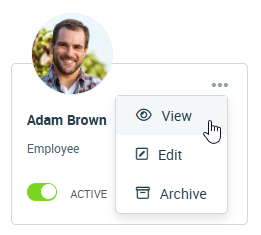
- Select the Acceptance Logs tab.
- Apply filters to change the logs shown.
- Use the Type Filter to show only Policies.

Documents
- From the left menu, navigate to Documents > Policies > Policy Logs.
- Use filters to change the logs shown.
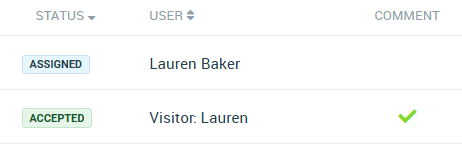
- If a user has added a comment, a tick will be shown in the Comment column. Click the title to view the comment.