Note: Your Access Level may restrict the use of some features.
For Desktop, see Viewing Policy Logs.
Policies can be reported on from:
Policy Logs for an Individual User
- From the main menu
 , tap People.
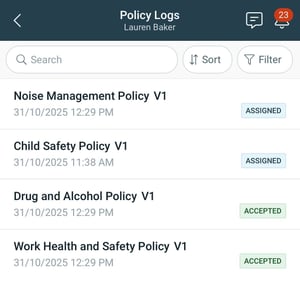
 - Select the user, then select Policy Logs.
- Use Filters to change the results. The date and time shown will be when it was Assigned or Accepted.
Policy Logs for All Users
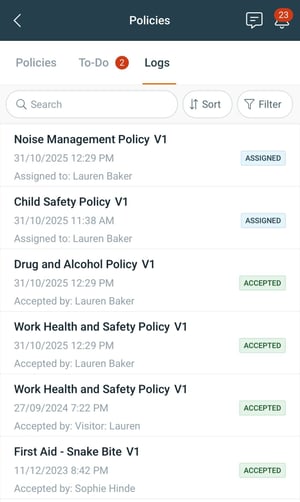
- From the main menu , tap Documents > Policies.
- Tap the Logs tab.
- Use Filters to change the results, or Sort to change how they're displayed. The date and time shown will be when it was Assigned or Accepted.