Note: Your Access Level may restrict the use of some features.
To edit Inventory on the Desktop, see Editing Inventory.
Setting up Engine Hour/Odometre readings or a maintenance schedule can only be done on the Desktop. See Logging Machinery Hours/Kilometres/Miles and Scheduling Maintenance.
- To access the Inventory item:
- From the main menu
 , select Inventory > Machinery and Equipment / Structures / Tools / Chemicals then tap on the Inventory item, or
 - Tap QR Code
 and scan the item's QR code.
- From the main menu
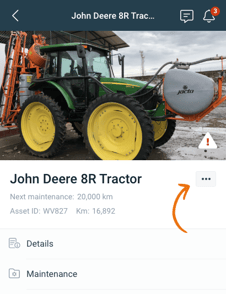
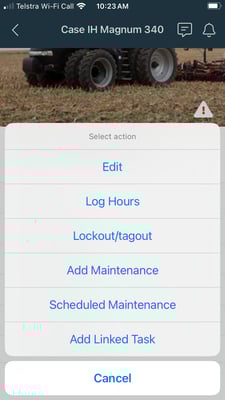
- Tap more options
 and select Edit > Edit Details.
 - Once the changes have been made, tap Save.